Real time facial animation for streamers
September 10, 2025

AI assistant
CALIBRATION

Within the Canvas 3D ecosystem, we offered a really interesting and ambitious feature called real-time motion capture, one of its kind, and the execution of it is very unique in the industry.

At RADiCAL, I led the design and development of entirely
new products like Canvas 3D ↗ and Live, a real-time motion capture solution ↗

The real-time capture feature solves one of the biggest problems in AI motion capture: processing time. Users can instantly get feedback as they move their body and understand how the AI motion capture will create animation for them.

But there’s a problem: how to use AI motion capture the right way. We did our best to make this feature as user-friendly as possible, with minimal effort, clicks, or decisions required. It works kind of out of the box.

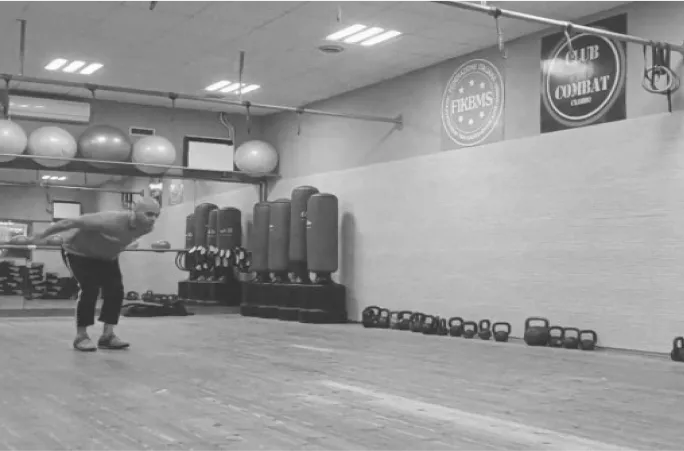
One key aspect of this feature is a requirement, which we designed to be very simple. It’s called a T-pose: users need to raise their arms in a T-shape, stand normally with feet apart, face the camera directly, and stay in the frame at all times. But we realized that users weren’t doing this, they just jumped in front of the camera expecting it to work. Unsurprisingly, they got poor results and sometimes blamed the software or the product for failing.

We built this feature in a short period with low resources, prioritizing 2D design, interaction design, and 3D animation. We now require the user to perform the T-pose correctly. The system checks using AI whether they’re doing it correctly and gives immediate feedback in the interface, changing the design to indicate a positive or negative result. If the user raises both arms in the T-shape and has a proper stance, they can proceed to motion capture. Otherwise, they need to adjust and try again.

There was one catch: what if a user physically cannot do the T-pose? For example, a person with a broken arm or a user in a wheelchair. We wanted to make this accessible, so we introduced a fallback option “Accessible mode”. users can bypass the T-pose step, acknowledging that results may be less accurate, but still allowing them to try out the product.

This feature AI Calibration Assistant ensured that a huge number of users could successfully use the feature. It made a big impact on the company, usage of the live feature increased, more users stayed engaged with the product, and many eventually upgraded to the paid features after successfully using it. And the best part? We did all this without asking users to read any documentation. The guidance is entirely visual, integrated directly into the interface, similar to onboarding within a feature.

By using this website, you agree to the terms.